Chatgpt Images 2.0 — create at Images2Web. The full power of OpenAI’s GPT Image 2 model. 2K output, reasoning-driven generation, flawless multilingual text, and up to 8 consistent images per prompt.
Click to upload
Result will appear here
Explore amazing AI image transformations powered by Images2Web. Click any card to try the prompt yourself.
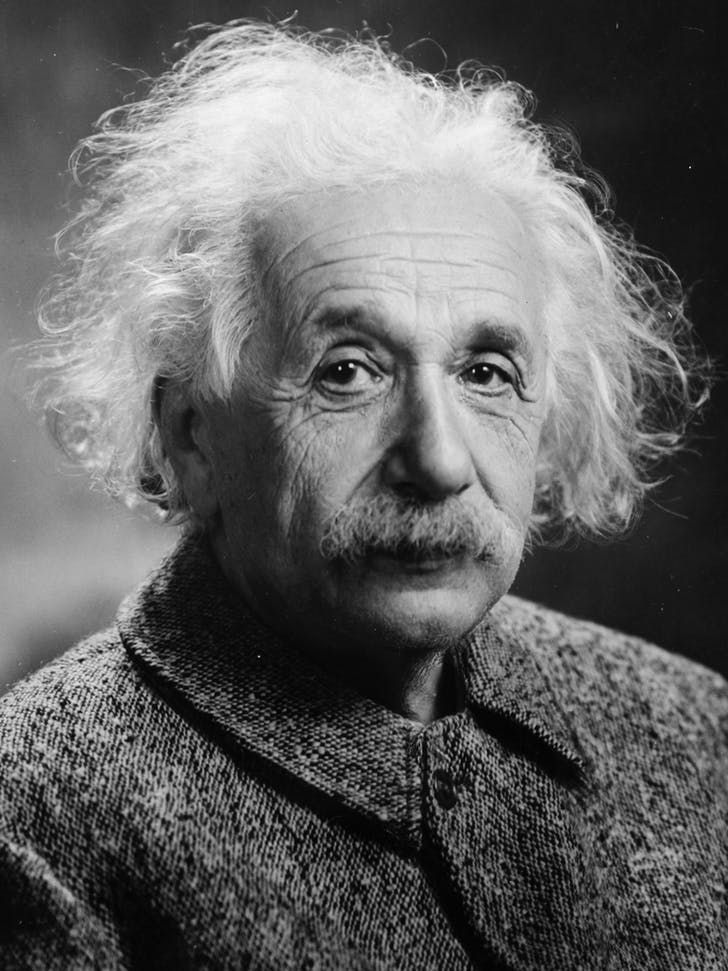
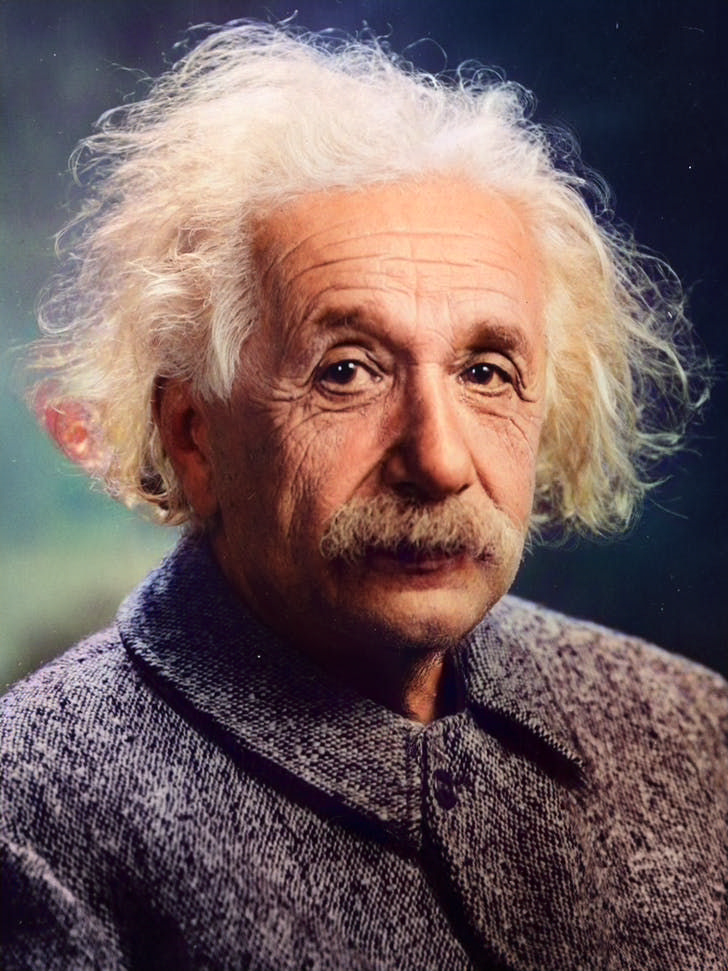
Colorize the photo with natural skin tones, realistic clothing and background colors; avoid oversaturation and preserve fine details.
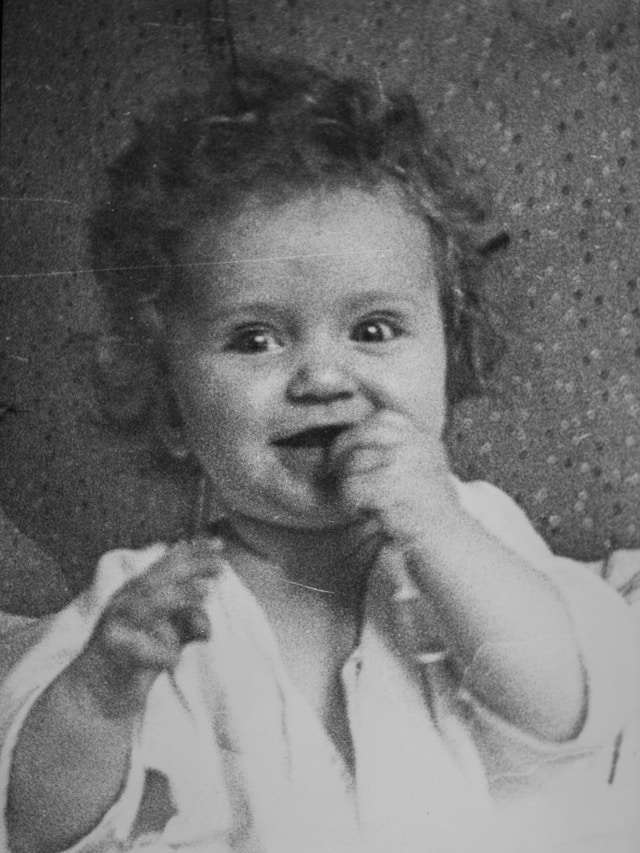
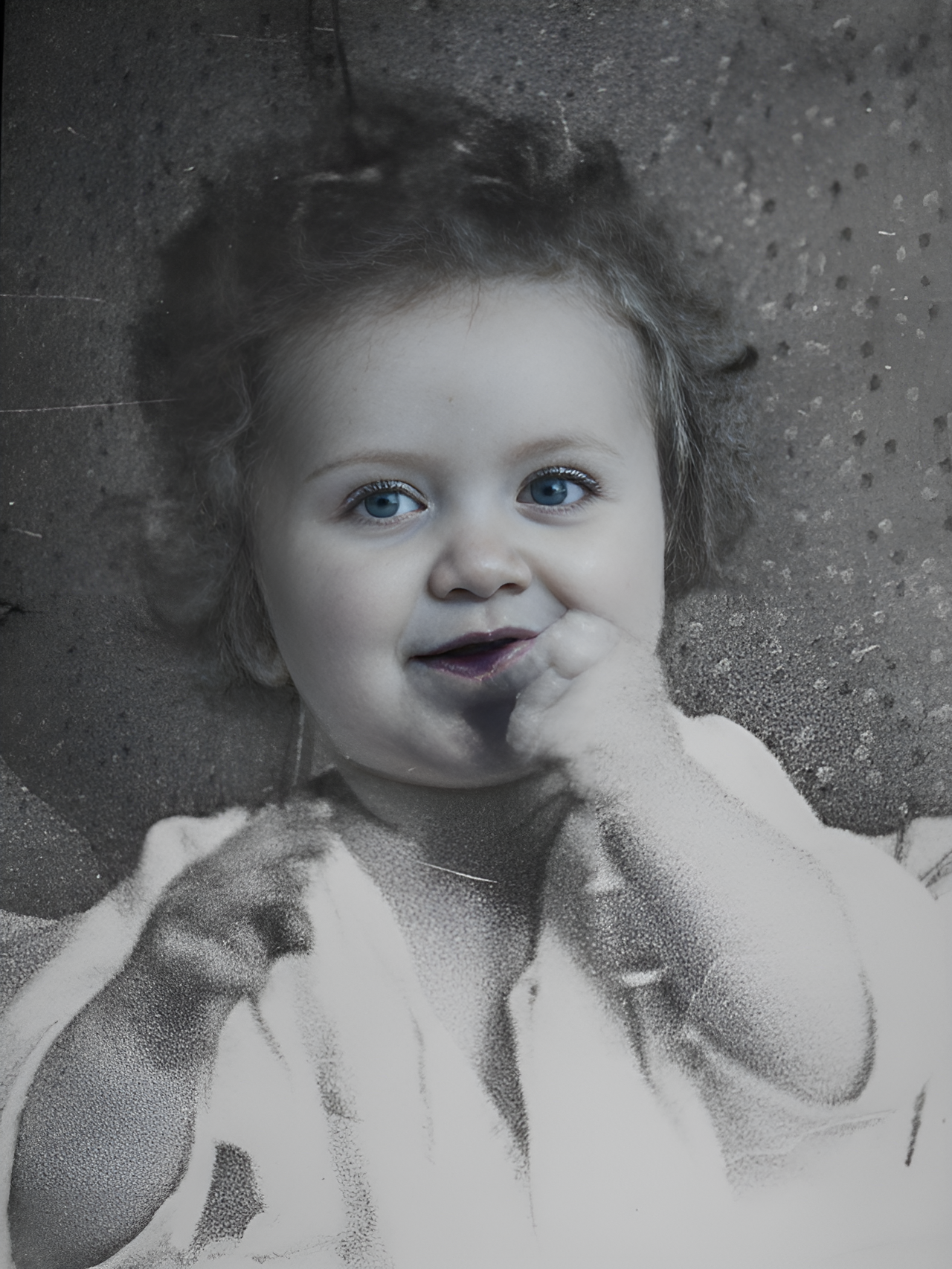
Transform into a modern high-quality digital portrait with vibrant updated colors, smooth realistic skin textures, and natural lighting. The outfit and background should be upgraded into a clean, modern aesthetic while preserving the authenticity of the original pose and expression.
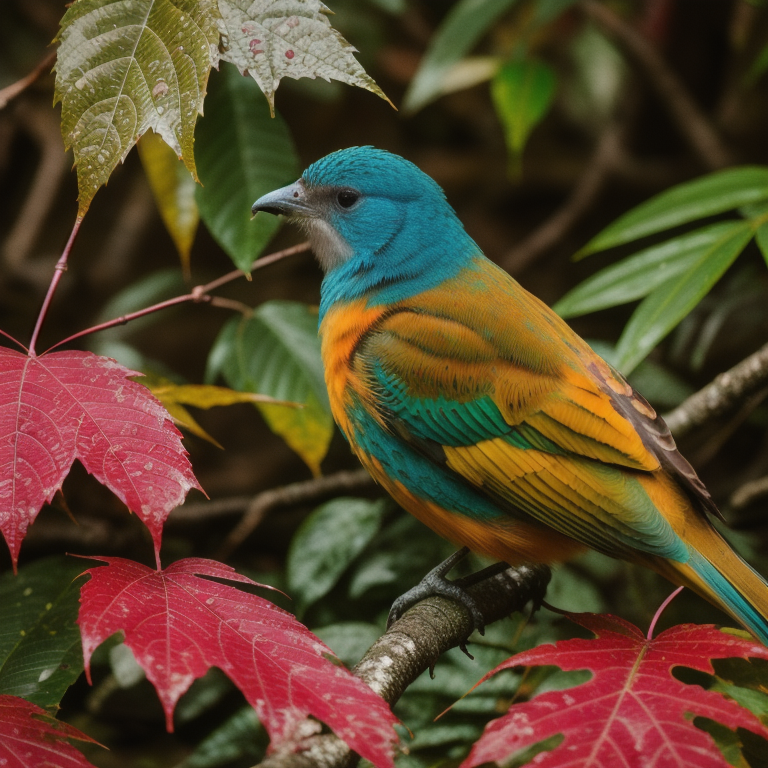
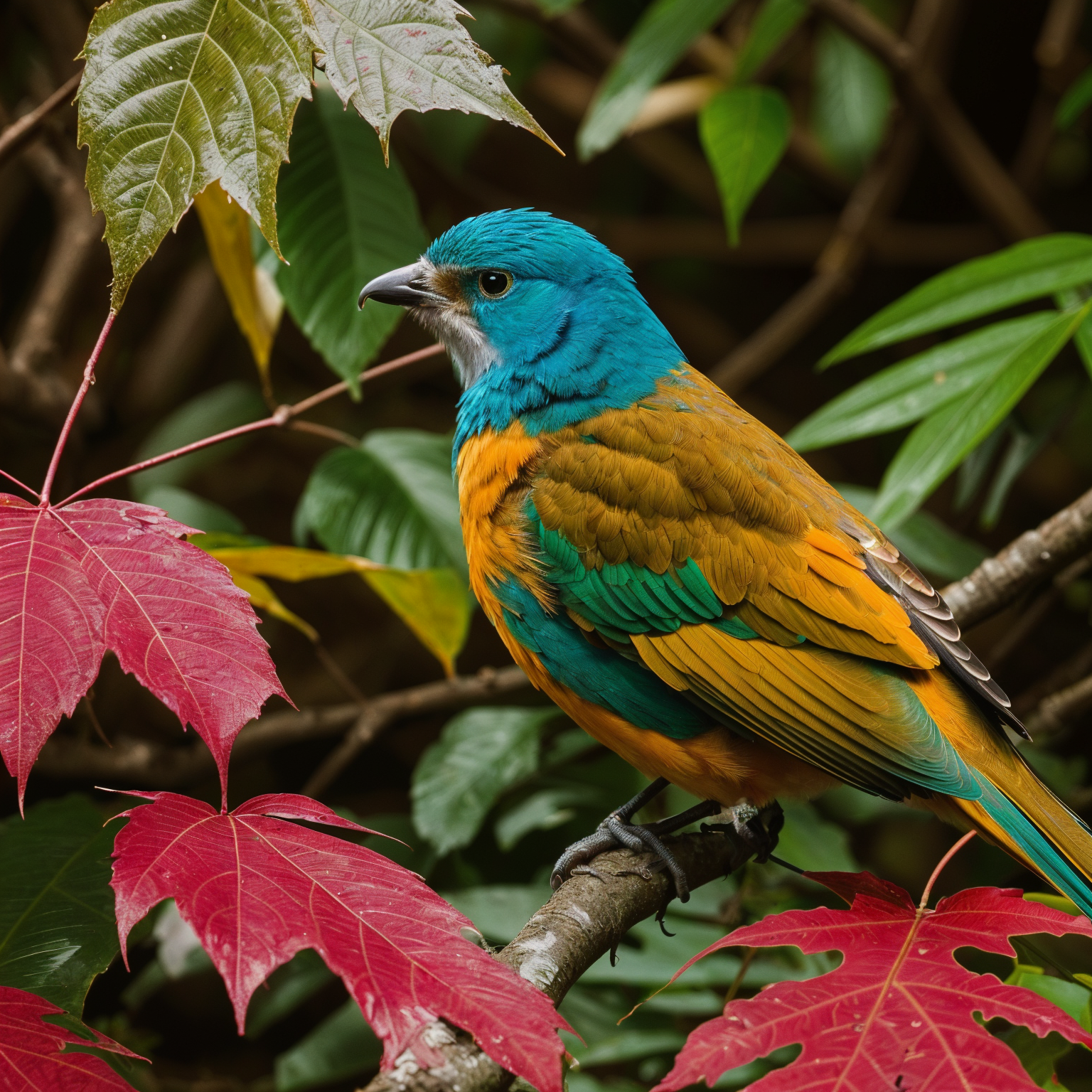
Upscale 4x with super-resolution; preserve textures and edges, reduce artifacts, keep natural sharpness and contrast without halos.
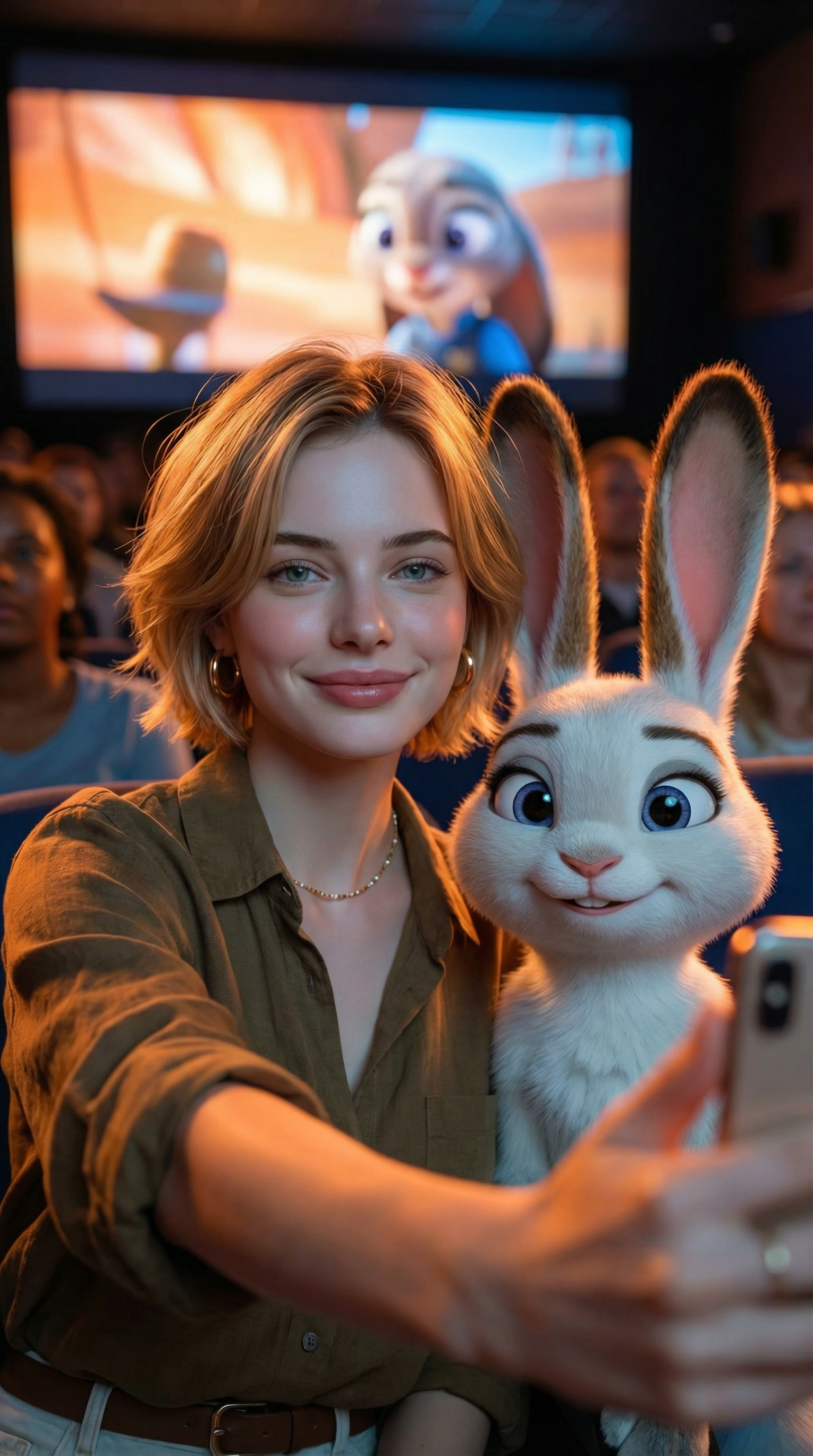
Create an ultra-realistic selfie photo. Use the uploaded image as the exact character reference — do not modify, alter, or adjust any facial features, hairstyle, clothing, or accessories of the person in the uploaded image. Add Judy Hopps from Zootopia (Disney character) standing next to the real person. Scene: A dark, crowded movie theater. A large cinema screen in the background is showing a scene from Zootopia. Cinematic lighting with warm ambient glow. Composition: Selfie angle. The real person from Image 1 (preserve all original features exactly) is taking a selfie together with Judy Hopps. [describe the pose/action here]. Both subjects are in sharp focus. Ultra-HD, 8K quality, hyper-realistic photography style with natural light mixed with screen glow, shallow depth of field. Important: The human subject must look identical to the uploaded reference image — no changes to hairstyle, clothing, accessories, or facial details. The only added element should be the Zootopia character integrated naturally into the scene.
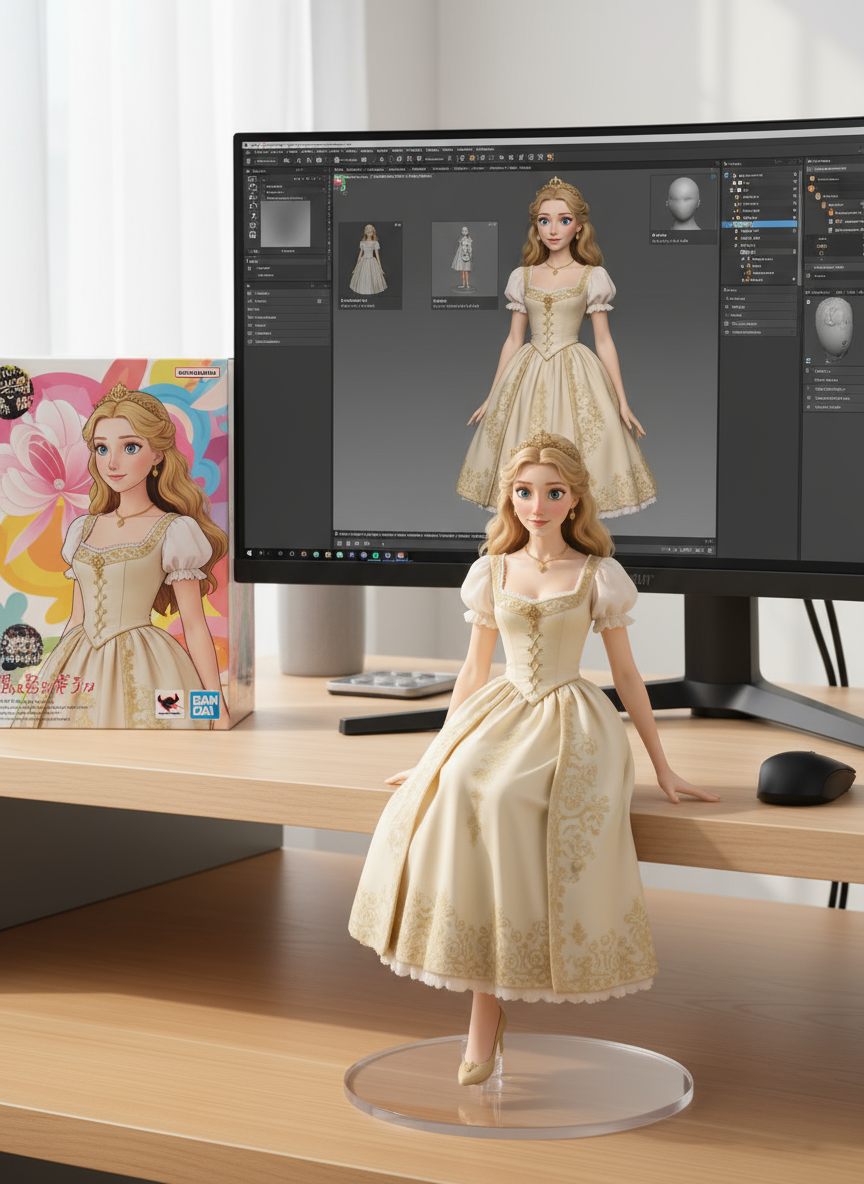
create a 1/7 scale commercialized figure of thecharacter in the illustration, in a realistic styie and environment.Place the figure on a computer desk, using a circular transparent acrylic base without any text.On the computer screen, display the ZBrush modeling process of the figure.Next to the computer screen, place a BANDAl-style toy packaging box printedwith the original artwork.
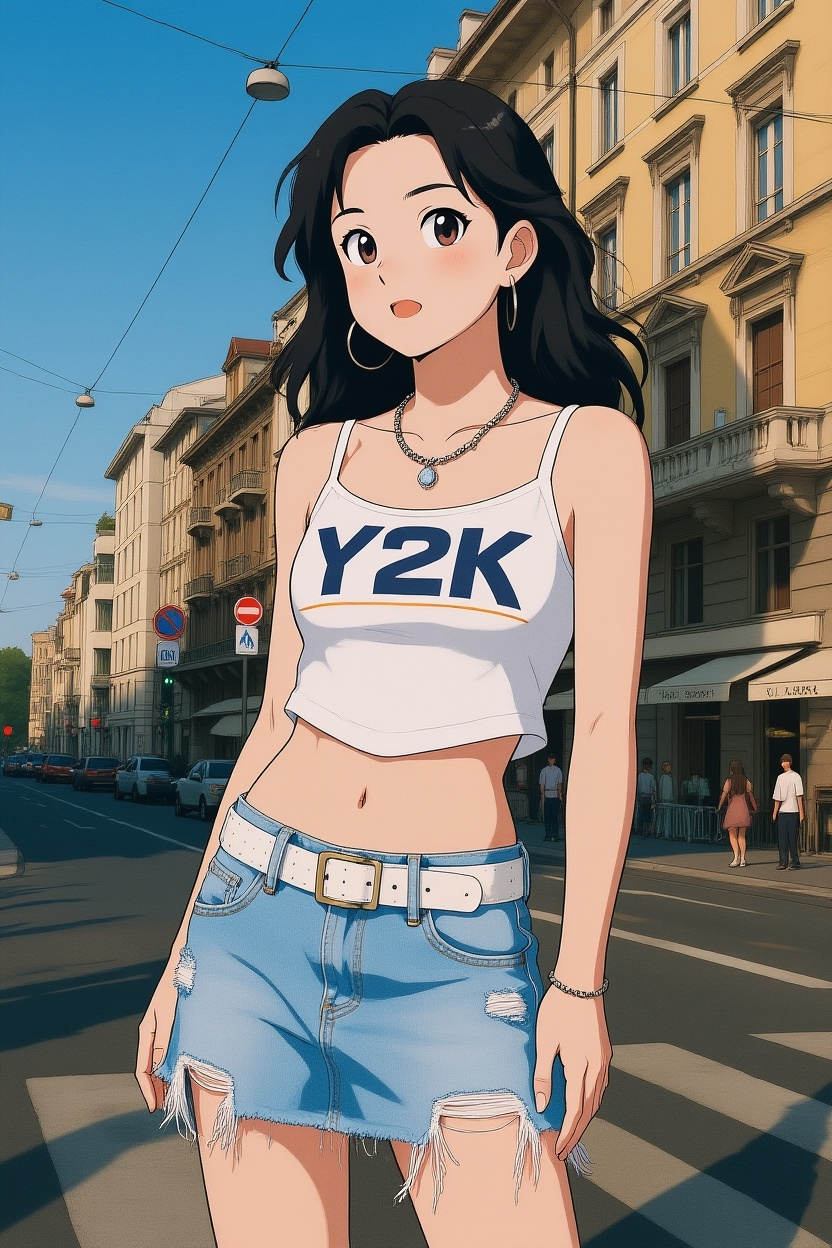
Convert photos into Ghibli-style illustrations
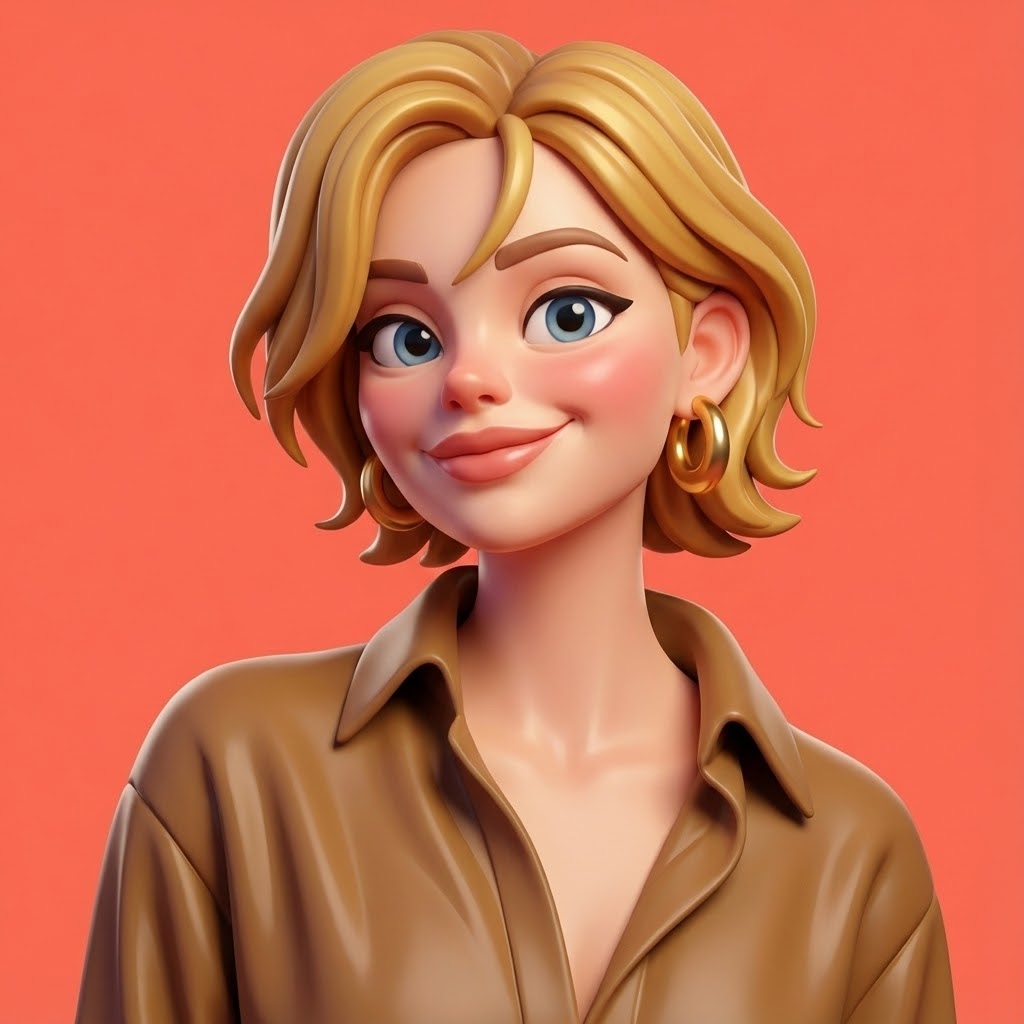
A highly stylized 3D caricature of this Character, with expressive facial features, and playful exaggeration. Rendered in a smooth, polished style with clean materials and soft ambient lighting. Bold color background to emphasize the character's charm and presence.
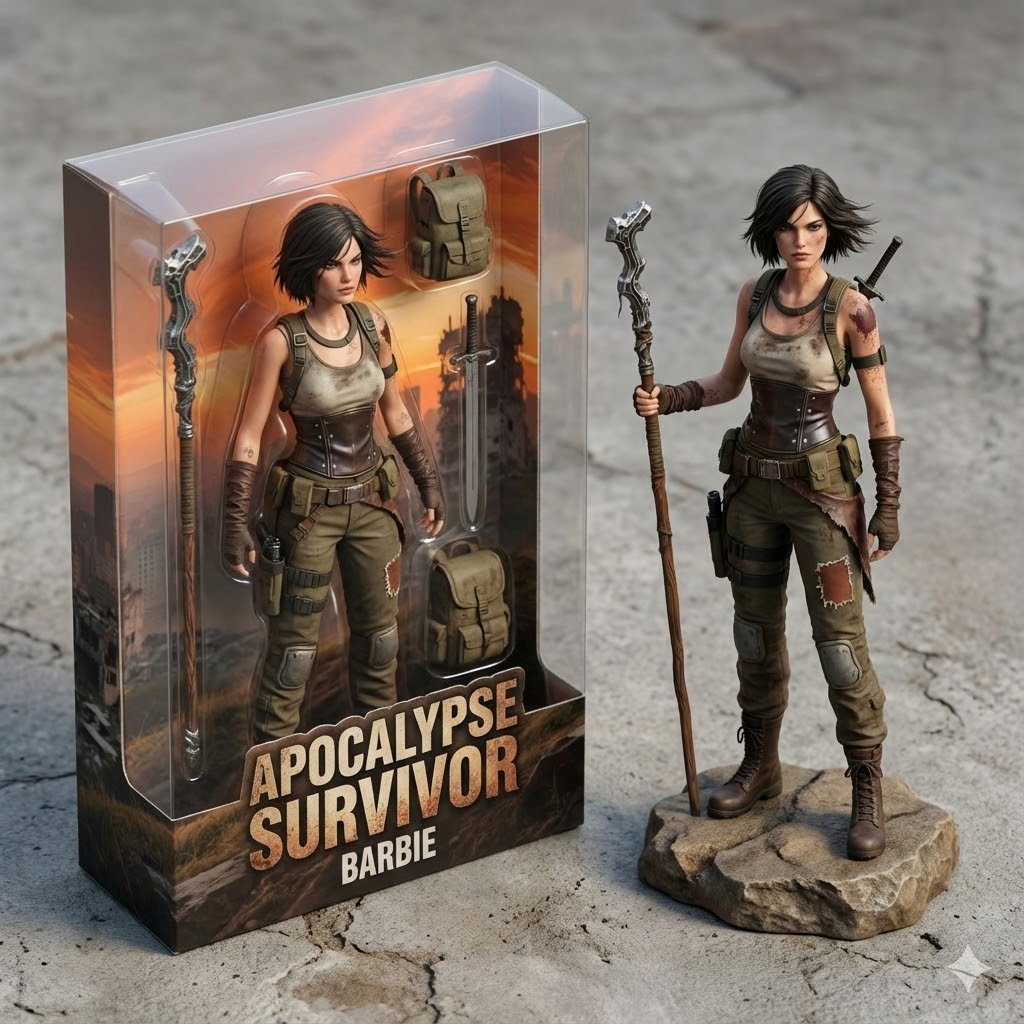
Transform the person in the photo into a 3D Barbie figurine packaging box, presented in an isometric perspective. Label the packaging with a custom title. Inside the box, showcase the 3D Barbie figurine based on the person's appearance, along with essential accessories. Next to the box, also display the actual 3D Barbie figurine outside of the packaging, rendered in a lifelike and realistic style.
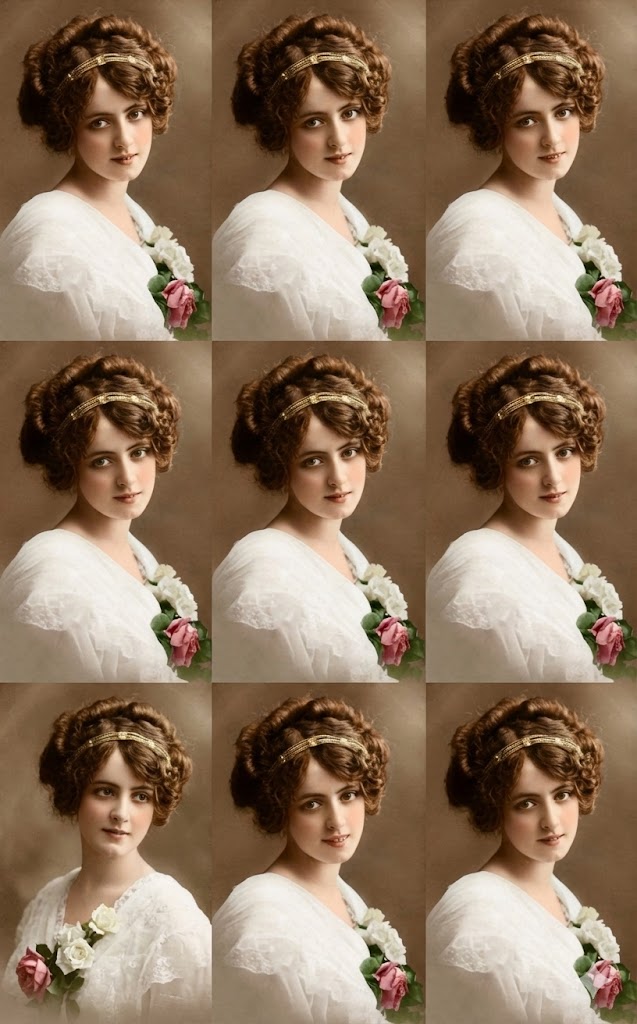
9 shots, same character, same vibe.
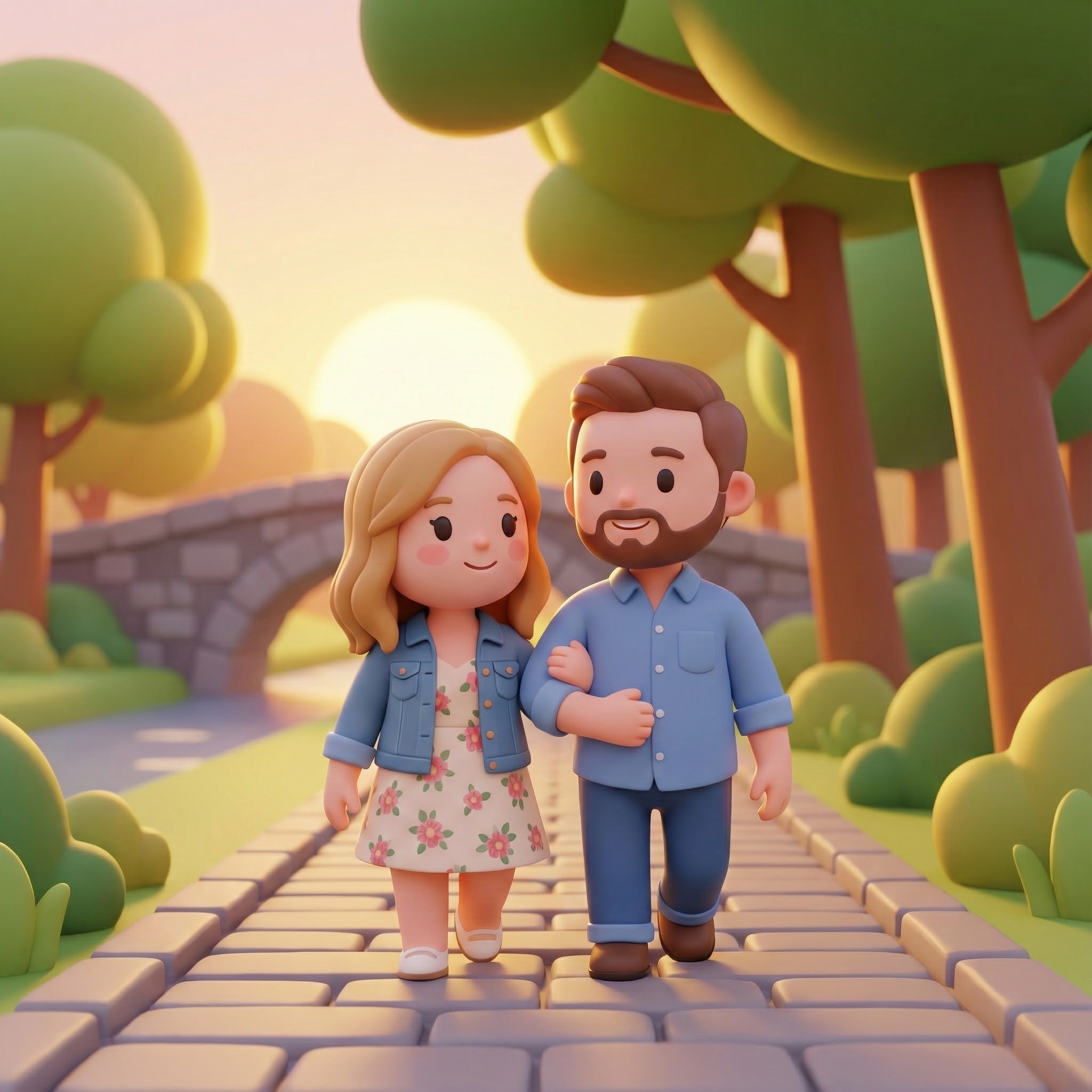
Q-version modern style, 3D toy, original character rendering, clever and cute, minimalist art style, with a cartoon aesthetic.

Transform the uploaded photo into a vintage Halloween poster. Preserve the same person, face, hairstyle, pose, and outfit colors — do not replace the subject or change their skin tone or body shape. Add a classic black witch hat (slightly tilted with a brass buckle) and a flowing black satin cape with natural folds. Have the subject hold a glowing carved jack-o'-lantern, with warm candlelight illuminating the hands and chin. Create a diagonal split background of dark teal and burnt orange, with subtle mist and fine spider-web texture; place a full moon at the top-right and bat + ghost silhouettes at the top-left as small accents. Compose a 2:3 vertical poster, subject centered, cropped around the knees. Add an aged paper border, light film grain, and studio lighting (soft key from front-left, gentle rim from back-right). Add a bold vintage serif headline "Halloween Night" at the top and "Trick or Treat" at the bottom, off-white with slight emboss/outline; keep text crisp and readable. High detail, clean image, no watermark. Do not change the outfit's original colors or design; do not cover the face.
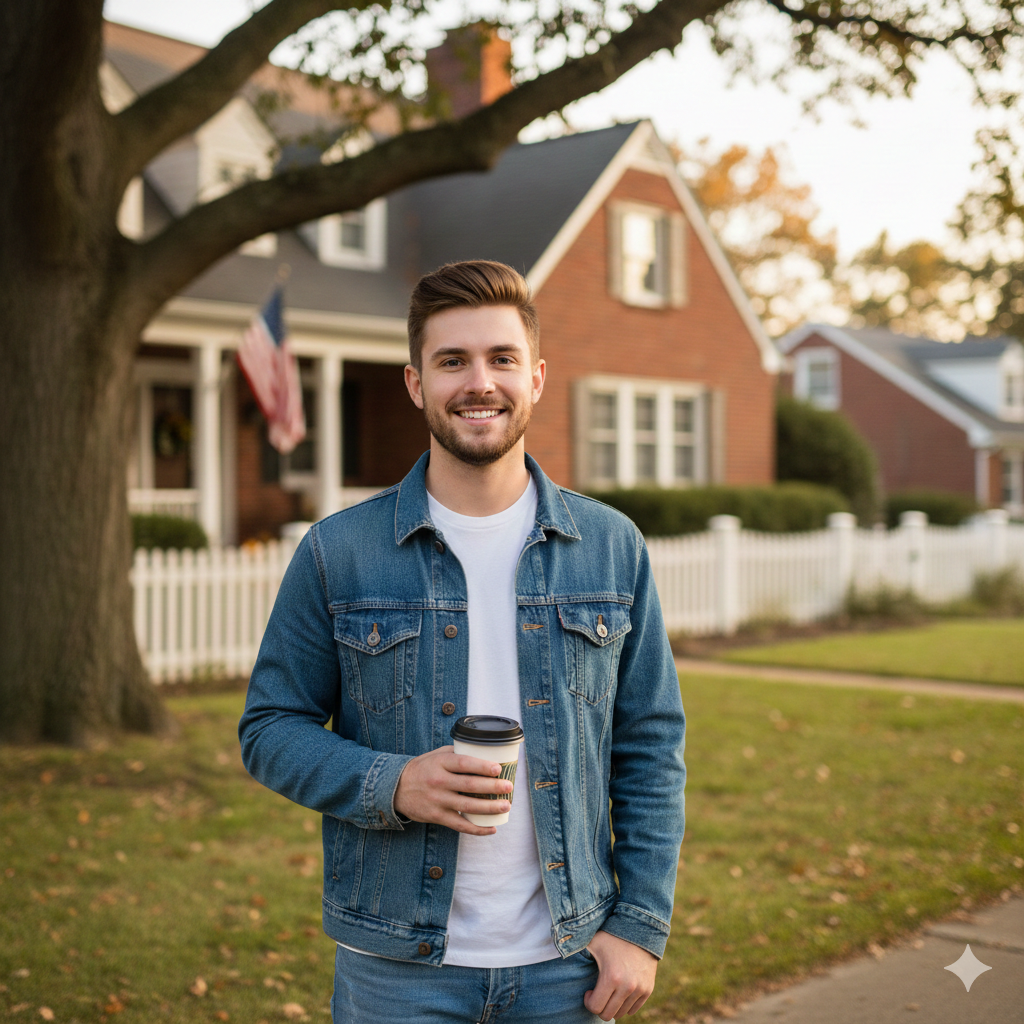
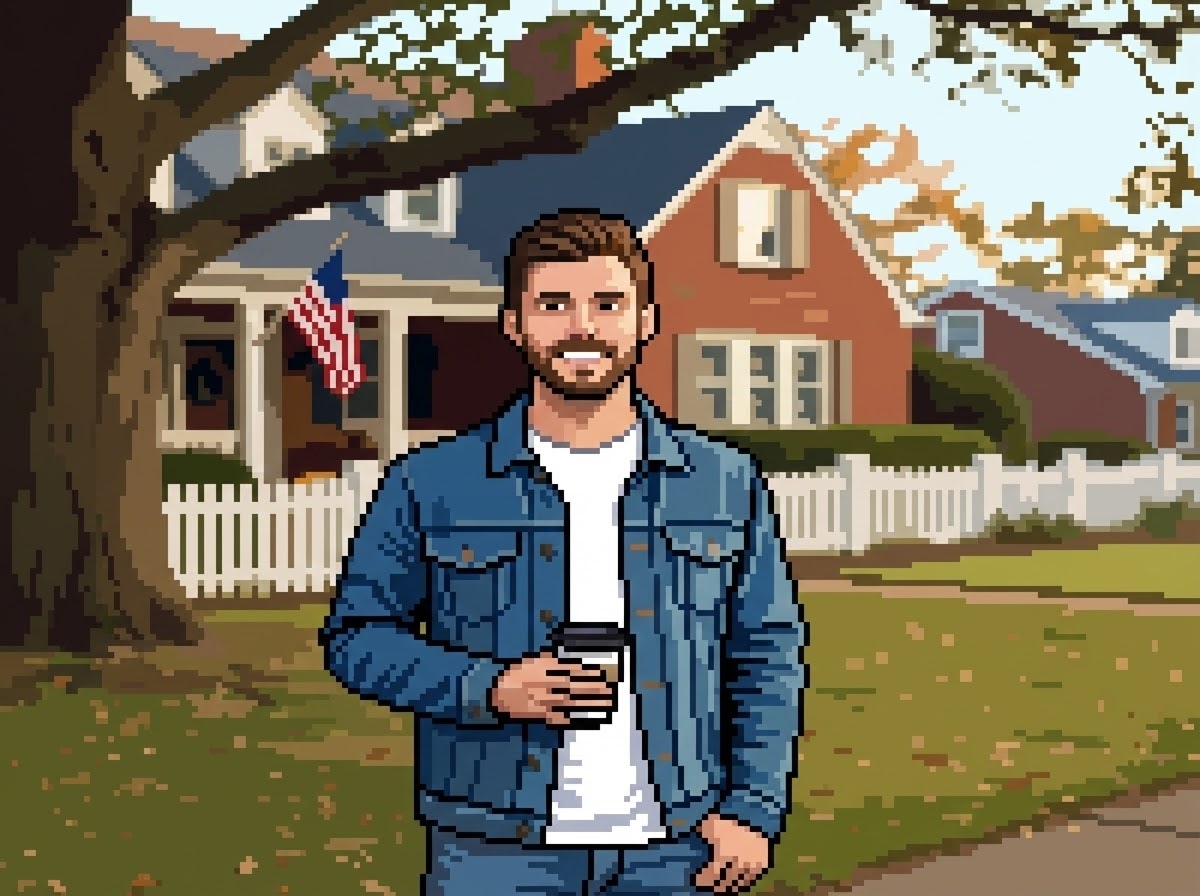
Transform to pixel art: retro 8-bit or 16-bit video game style, clear pixel grid visible, reduced resolution with blocky appearance, simplified color palette, nostalgic arcade game aesthetic, maintain subject's key features while pixelating.
Discover more AI image prompts in our curated library
Open Images2Web and upload your image to get started with creative prompts.
Enter a detailed text prompt describing the image you want to create. Images2Web's advanced GPT Image 2 will understand your natural language.
Click Generate to start creating with Images2Web. Preview results when ready, then download your high-quality GPT Image 2 output instantly with image 2.0 quality.
Loading...
Generate stunning images with GPT Image 2. Try creative prompts, explore image 2.0, and create professional visuals in seconds.
