Generate stunning images with GPT Image 2 by OpenAI. Transform text prompts into photorealistic visuals or edit existing photos using natural language. Sign in to generate with your credits.
GPT Image 2 is OpenAI's most advanced AI image generation model, officially released as ChatGPT Images 2.0. Built on a 12-billion parameter multimodal foundation, GPT Image 2 represents a quantum leap in AI-powered visual creation. Whether you need photorealistic product shots, creative illustrations, or precise text-in-image designs, GPT Image 2 delivers results that were previously impossible with AI image generators.
The GPT Image 2 model supports two primary modes of operation. GPT Image 2 text to image lets you describe any scene, concept, or design in natural language and generates a detailed image from scratch. GPT Image 2 image to image enables you to upload an existing photo and transform it using plain-language editing instructions — from background replacement and style transfer to object manipulation and color adjustments.
What sets GPT Image 2 apart from earlier models is its exceptional prompt following ability. GPT Image 2 understands nuanced descriptions, maintains spatial relationships, renders legible text within images with high accuracy, and produces consistent results across multiple generations. These capabilities make GPT Image 2 ideal for professional design work, marketing campaigns, social media content creation, and rapid prototyping.
Developers can also access GPT Image 2 through the OpenAI API using the model identifier gpt-image-2, enabling integration into custom applications and automated workflows. The GPT Image 2 API supports both text to image and image to image generation with flexible aspect ratio options.
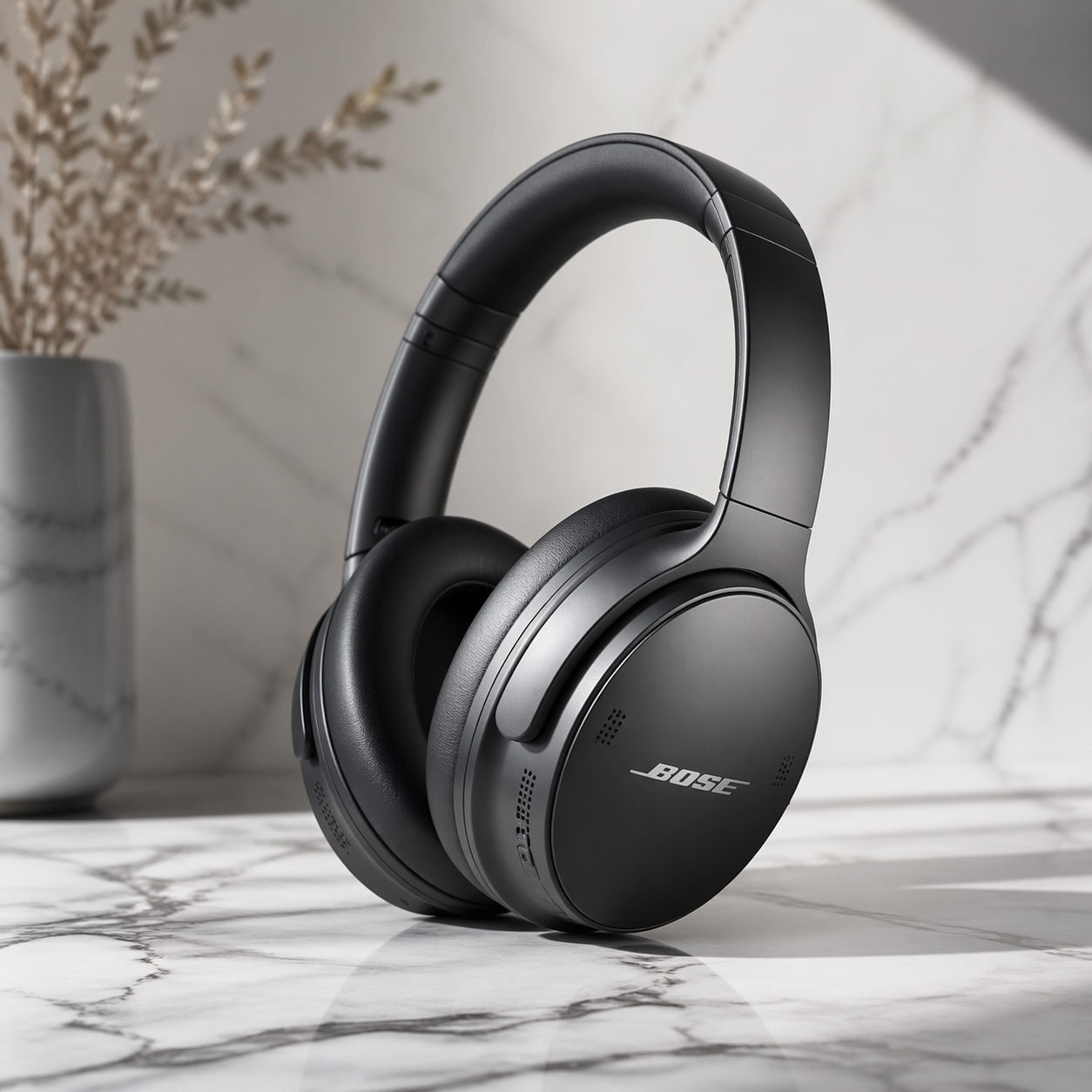
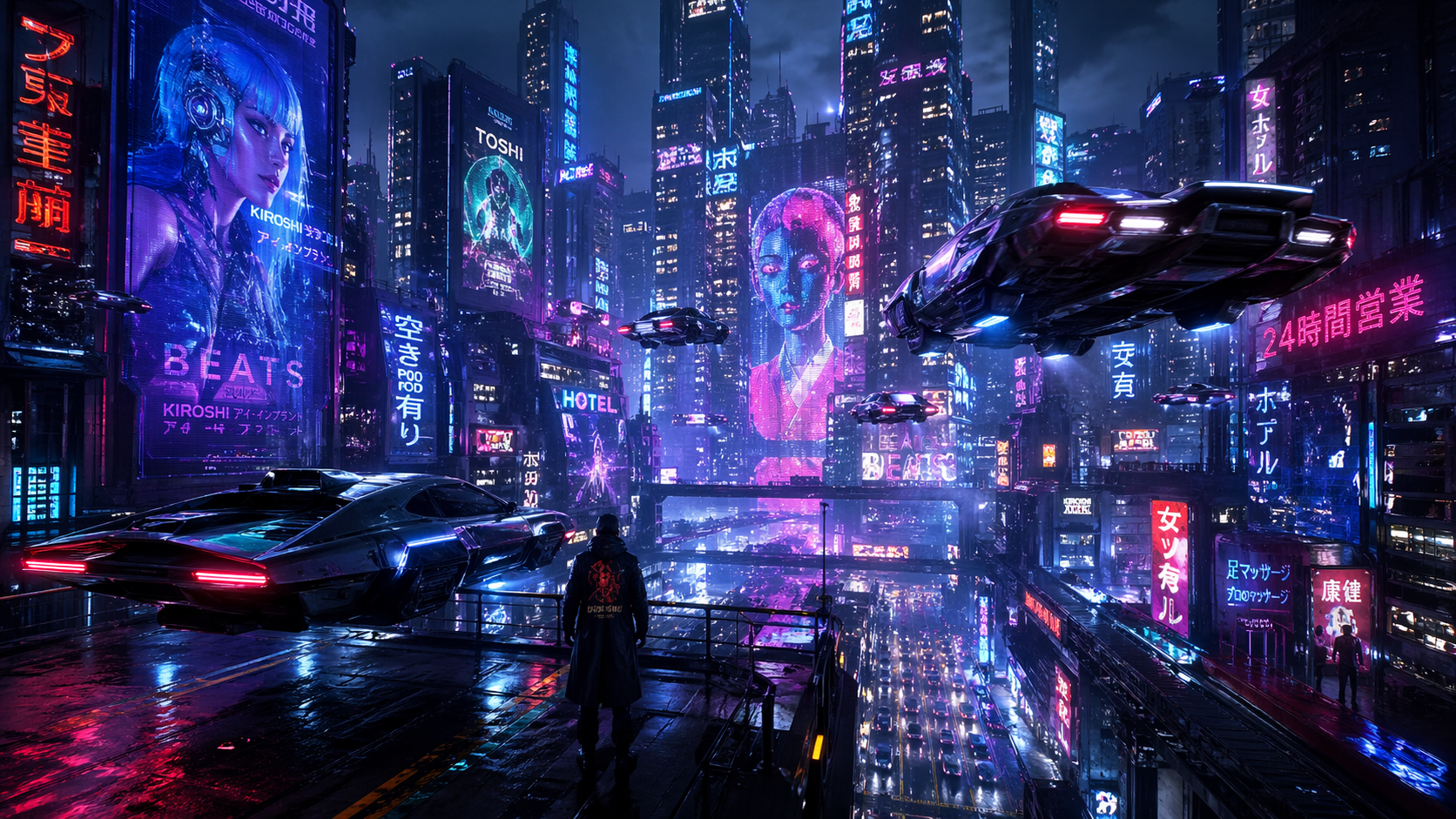
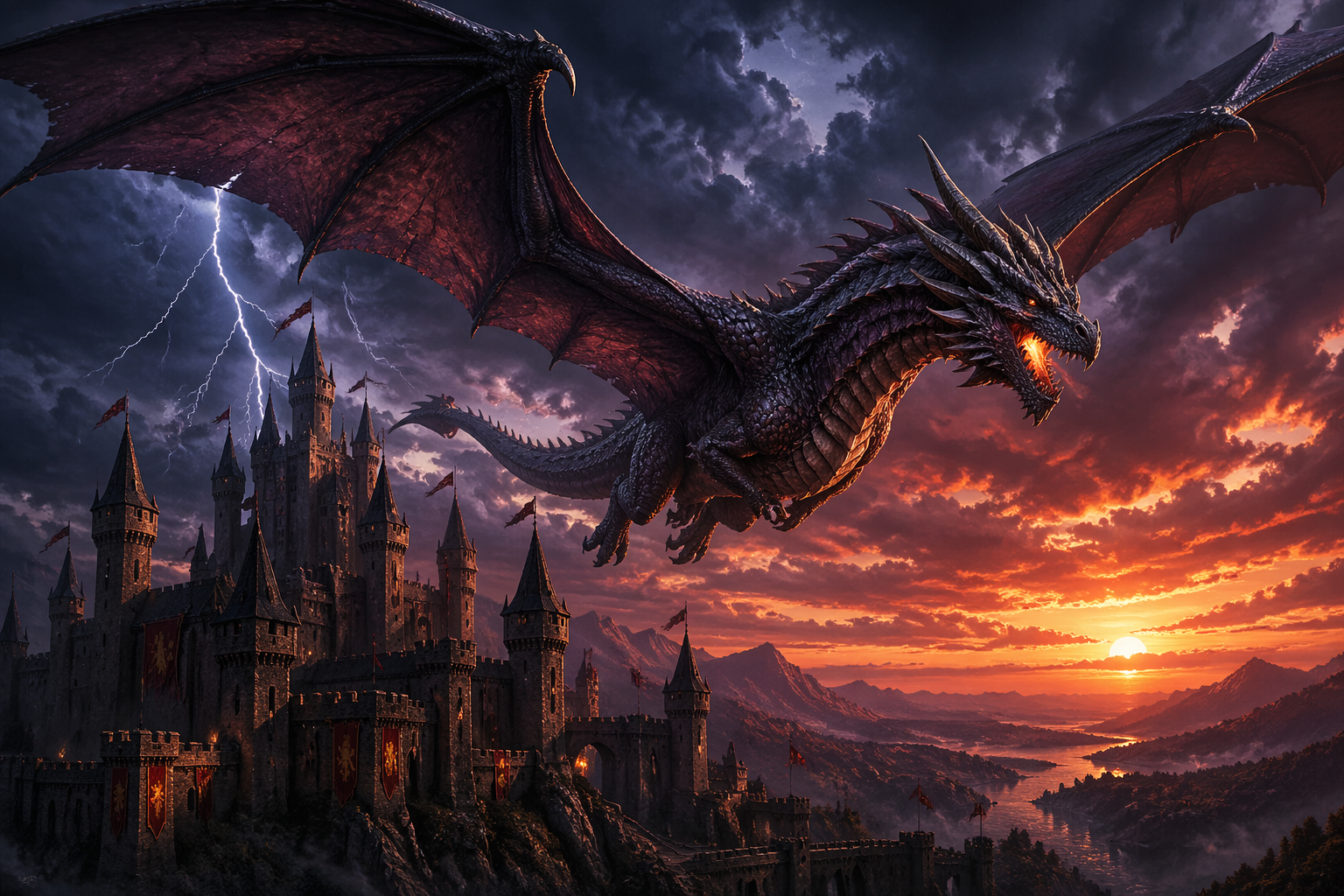
Real images generated by GPT Image 2. Each example shows the exact prompt used, demonstrating GPT Image 2's ability to handle diverse styles and subjects.
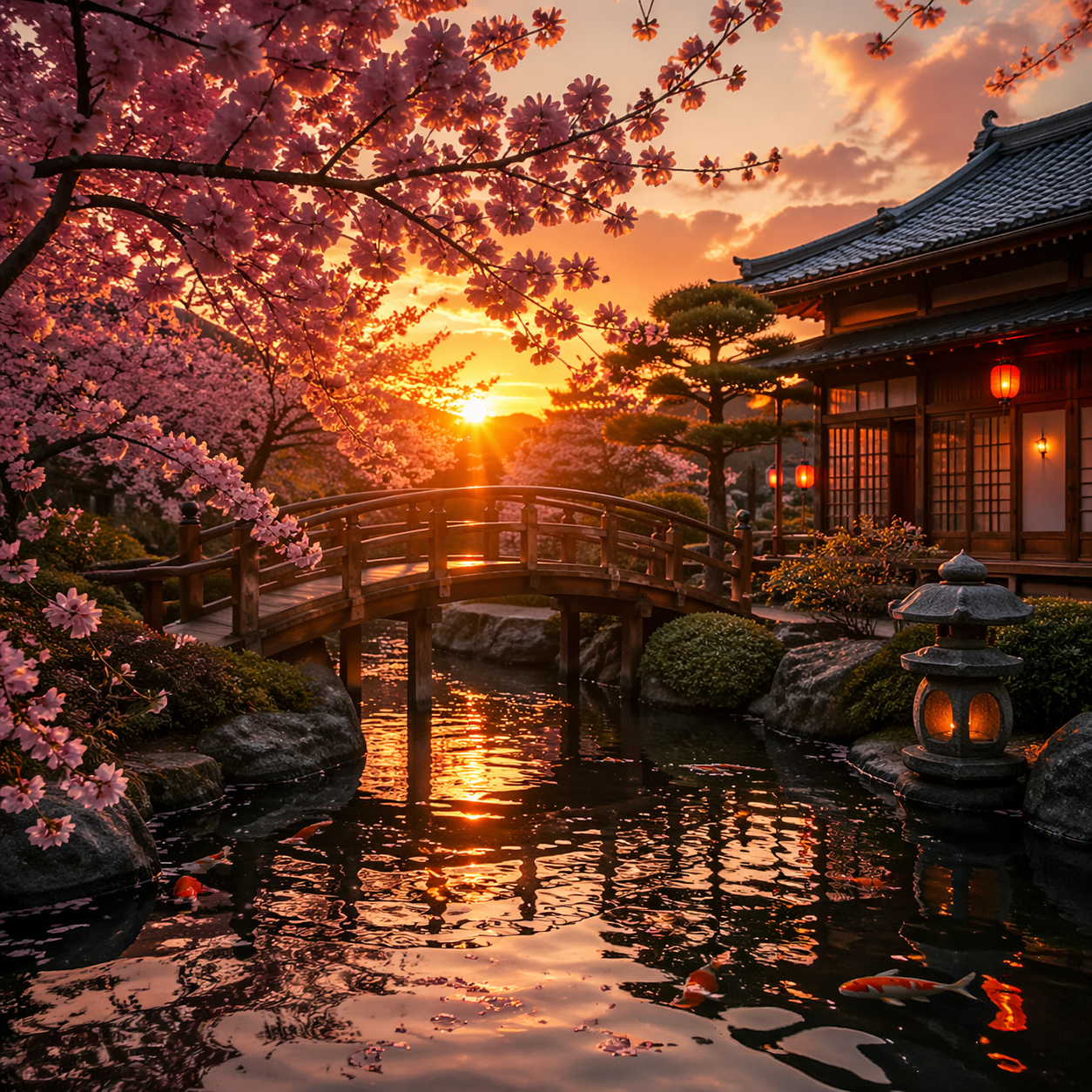
A serene Japanese garden with cherry blossoms, koi pond, and traditional wooden bridge at sunset, photorealistic style, warm golden lighting
A futuristic cyberpunk cityscape at night with neon lights reflecting on wet streets, flying cars, holographic billboards, cinematic atmosphere
A majestic dragon soaring over a medieval castle at dusk, dramatic stormy sky with lightning, fantasy illustration with rich detail
A professional product photography shot of a sleek wireless headphone on a marble surface with soft studio lighting, minimalist design, commercial quality
Discover why GPT Image 2 is the most capable AI image generator available today.
Transform any text description into a stunning visual. GPT Image 2 understands complex prompts with multiple subjects, styles, and spatial relationships, delivering images that match your creative vision with remarkable precision.
Upload any photo and transform it with natural language. GPT Image 2 supports inpainting, outpainting, style transfer, background replacement, and detailed edits — all controlled through simple text instructions without masks or layers.
Unlike previous AI image generators, GPT Image 2 renders legible, accurate text within images. This makes GPT Image 2 perfect for creating logos, posters, social media graphics, and any design that requires readable typography.
GPT Image 2 generates images with unprecedented photorealism. From lighting and shadows to textures and reflections, GPT Image 2 produces visuals that are often indistinguishable from real photographs.
GPT Image 2 supports 6 aspect ratio options including 1:1, 16:9, 9:16, 3:2, 2:3, and auto. Generate images in the perfect format for social media, websites, presentations, or print materials.
Integrate GPT Image 2 into your own applications using the REST API. The GPT Image 2 API supports both text to image and image to image generation with callback URLs for asynchronous processing.
Compare GPT Image 2 with ChatGPT Images 2.0 and ChatGPT Images Pro to find the best AI image generator for your needs. Each model excels in different areas — GPT Image 2 for photorealism, ChatGPT Images for speed and versatility.
| Feature | GPT Image 2 | ChatGPT Images 2.0 | ChatGPT Images Pro |
|---|---|---|---|
| Model Provider | OpenAI | Google (Gemini 3.1 Flash) | Evolink |
| Core Strength | Photorealism & Text Rendering | Speed & Creative Quality | Cost-Effective 4K Output |
| Text to Image | |||
| Image to Image | |||
| Max Resolution | 2K (2048px) | 2K (2048px) | 4K (4096px) |
| Text in Images | Excellent | Good | Good |
| Prompt Understanding | Exceptional | Strong | Strong |
| Generation Speed | ~60s | ~30s | ~45s |
| Aspect Ratios | 6 options | 11 options | 11 options |
| Best For | Photorealistic images, logos, posters, branded content | Quick creative generation, social media content | High-resolution prints, bulk generation |
From marketing to product design, GPT Image 2 powers creative workflows across industries.
Create compelling ad visuals, social media graphics, and campaign materials with GPT Image 2 photorealistic quality.
Rapidly prototype product concepts, packaging designs, and mockups using GPT Image 2 precise rendering capabilities.
Generate blog headers, YouTube thumbnails, and branded content at scale with GPT Image 2 consistent quality.
Design logos, business cards, and brand materials with GPT Image 2 superior text rendering and visual precision.
Select between GPT Image 2 text to image or GPT Image 2 image to image mode. For text to image, simply describe your vision. For image to image, upload a reference photo first.
Write a detailed description for GPT Image 2. The more specific you are about style, composition, lighting, and details, the better GPT Image 2 will deliver your vision.
Click Generate and wait for GPT Image 2 to create your image. Once ready, download your GPT Image 2 creation in high quality for any use.
